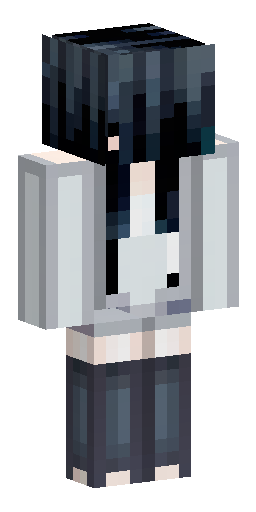


Аватарка и обои из этого скина
Голова персонажа — картинка для профиля в Discord, Telegram или на сервере. Он же встаёт на обои для компьютера и телефона. И то и другое бесплатно.
Скин Майнкрафт: Create a Minecraft 64×64 skin texture in a…
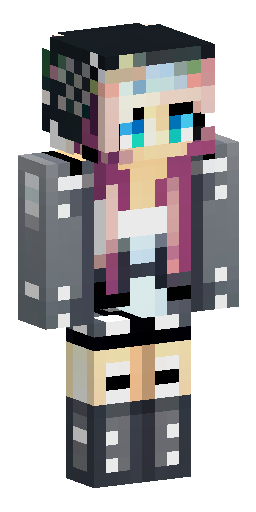
Этот скин нарисован нейросетью по описанию «Create a Minecraft 64×64 skin texture in a clean pixel-art style. The character is a slim young woman with pale skin, long straight black hair, and large light blue-gray eyes. Head. Pale/light skin. Large light blue-gray eyes with dark eyelashes. Small delicate facial features. Long black hair covering the top, back, and sides of the head. Black hair should form a simple blocky Minecraft hairstyle. Hair is almost black with subtle dark-gray pixel highlights. No realistic rendering; everything must be pixel art. Torso. The character wears an oversized dark blue-gray sweater. Main sweater color: desaturated dark blue-gray. Slightly lighter blue-gray pixel highlights. Thick ribbed high collar. The neckline is wide and exposes the upper shoulder area. Pale skin is visible around the neckline and one shoulder. A black vertical shoulder strap runs down the front of the sweater. The strap has a small rectangular metallic silver buckle around the upper torso. Sweater should look soft and slightly oversized. Arms. Dark blue-gray sweater sleeves. Slim arms. One shoulder/upper arm has visible pale skin because of the wide neckline. Sleeves use simple dark/light blue-gray pixel shading. No excessive details. Legs. Dark charcoal/blue-black trousers. Slim straight silhouette. Subtle dark-gray pixel shading. The same black strap/detail continues vertically where appropriate. Small metallic buckle detail may appear on the front. Shoes are very dark, almost black, with a thin light-gray/off-white sole. Color palette. Use a restrained palette:. pale warm skin tones;. black and dark charcoal for hair;. blue-gray and dark navy-gray for the sweater;. almost-black charcoal for trousers;. muted silver-gray for metal buckles;. small off-white/light-gray accents for shoe soles. Pixel-art requirements. The final result must look like an actual Minecraft skin texture, not a character illustration. 64×64 pixels. Hard square pixels. No anti-aliasing. No smooth gradients. No blurred edges. No photographic details. Limited color palette. Pixel-level shading. Clean vanilla/modern Minecraft skin aesthetic. Keep all body parts blocky and correctly proportioned for Minecraft. Important. Output only the flat Minecraft skin texture, not a 3D character, not a character render, and not a screenshot of Minecraft. The texture must be a complete flat UV skin sheet with the head, torso, arms and legs represented as Minecraft texture faces.». Файл формата PNG подходит для Minecraft Java и Bedrock Edition — его нужно загрузить в лаунчер или на сайт Minecraft.
Надеть этот скин
- Скачайте файл кнопкой выше.
- Откройте профиль Minecraft и выберите «Скины» → «Загрузить скин».
- Укажите модель — Steve (рука 4 пикселя) — и сохраните.
- Перезапустите игру: скин увидят и другие игроки на сервере.
Скин на телефон
Наведите камеру телефона — откроется эта страница, и скин можно будет скачать прямо туда, где стоит игра.
Если скин не встал
Файл — развёртка Steve в формате PNG 64×64, её принимают и лицензия, и пиратские сборки. Чаще всего скин не появляется по двум причинам: лаунчер держит в памяти старую текстуру (помогает полный перезапуск игры, а не выход в меню) или файл пересохранён из JPG и остался JPG внутри.
Подробнее — в инструкциях: как поставить скин в Майнкрафт, скин в TLauncher, скин на телефоне.
Нужен скин конкретного игрока, а не готовый образ? Найдите его по нику.
Похожие скины

скалк девочка

Minecraft skin, female character, slim 3D model (Alex style), 64x64…

Эльфийская девушка с длинными ушами, в средневековой одежде
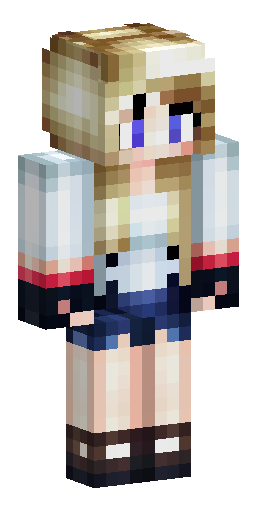

хоумлендер из пацанов только девочка
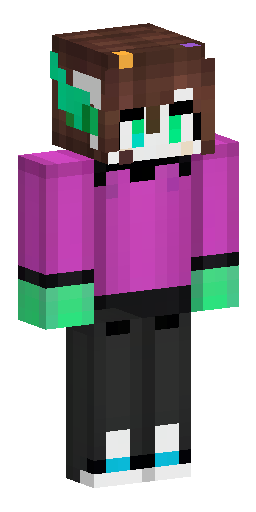

Темно коричневые волосы до пояса с желтыми цветными кончиками, в бо…
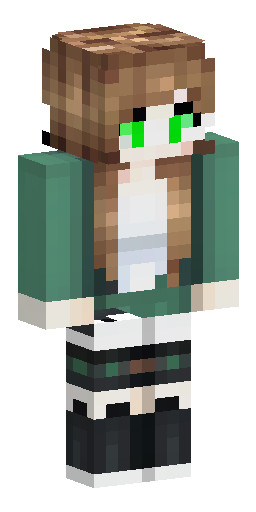

Молодая девушка с зелеными глазами и русыми волосами. Исследователь…
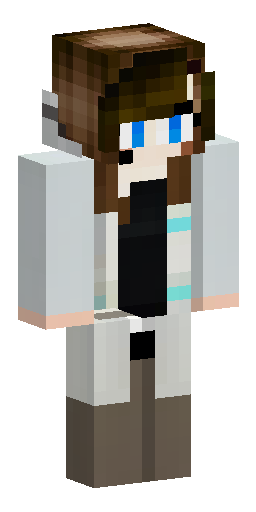

девушка с каштановыми волосами, белая кожа, левый глаз светло-карий…
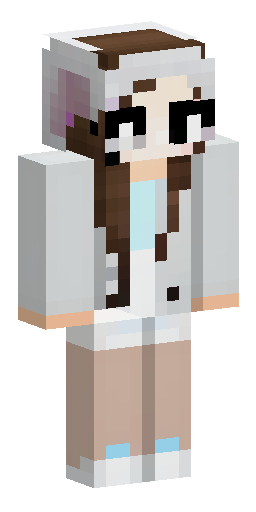

девушка с каштановыми волосами, белая кожа, левый глаз светло-карий…
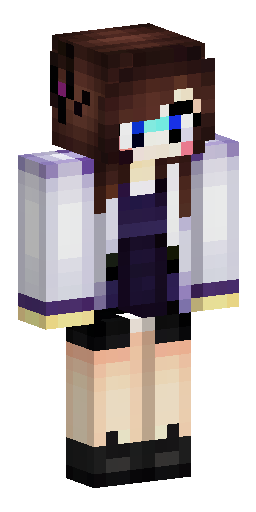

Девушка, каштановые волосы, на голове крылья каштанового цвета, на…
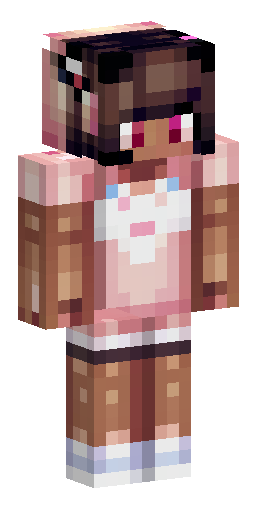

E-girl стиль женский скин, смуглый цвет кожи, в футболке и шортах
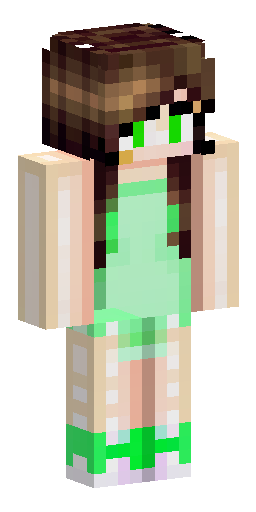

Светло кожая девушка с длинными коричневыми волосами и зелеными гла…

военная девушка с головным убором и длинными волосами