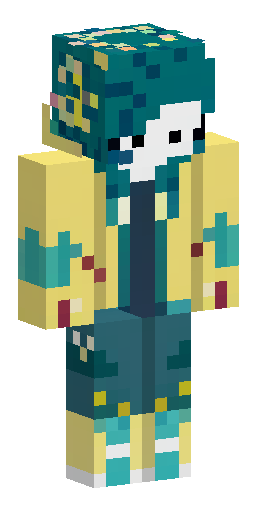


Аватарка и обои из этого скина
Голова персонажа — картинка для профиля в Discord, Telegram или на сервере. Он же встаёт на обои для компьютера и телефона. И то и другое бесплатно.
Скин Майнкрафт: Create a Minecraft skin based on this…
Этот скин нарисован нейросетью по описанию «Create a Minecraft skin based on this character design. A slim humanoid character with short, messy dark teal-blue hair. The hair is fluffy and layered, with uneven bangs covering part of the forehead. There are small yellow star-shaped details and a yellow accent on the hair. The character wears a bright yellow hooded raincoat/long coat reaching below the hips. The coat has a large hood, dark brown inner cuffs, front buttons and a simple clasp. Under the coat there is a dark red scarf around the neck. The character wears dark teal-green pants that are slightly rolled up, with some light beige bandage-like straps or rope details around one leg. The character has tall yellow rubber boots with dark brown soles. Skin tone is pale. The face is friendly and slightly mischievous, with large dark eyes and a small smile. No mask, no animal features, no helmet. Minecraft skin style: preserve the recognizable silhouette, with pixelated details. Focus on the teal hair, yellow raincoat, red scarf, dark pants and yellow boots.». Файл формата PNG подходит для Minecraft Java и Bedrock Edition — его нужно загрузить в лаунчер или на сайт Minecraft.
Надеть этот скин
- Скачайте файл кнопкой выше.
- Откройте профиль Minecraft и выберите «Скины» → «Загрузить скин».
- Укажите модель — Steve (рука 4 пикселя) — и сохраните.
- Перезапустите игру: скин увидят и другие игроки на сервере.
Скин на телефон
Наведите камеру телефона — откроется эта страница, и скин можно будет скачать прямо туда, где стоит игра.
Если скин не встал
Файл — развёртка Steve в формате PNG 64×64, её принимают и лицензия, и пиратские сборки. Чаще всего скин не появляется по двум причинам: лаунчер держит в памяти старую текстуру (помогает полный перезапуск игры, а не выход в меню) или файл пересохранён из JPG и остался JPG внутри.
Подробнее — в инструкциях: как поставить скин в Майнкрафт, скин в TLauncher, скин на телефоне.
Нужен скин конкретного игрока, а не готовый образ? Найдите его по нику.
Похожие скины
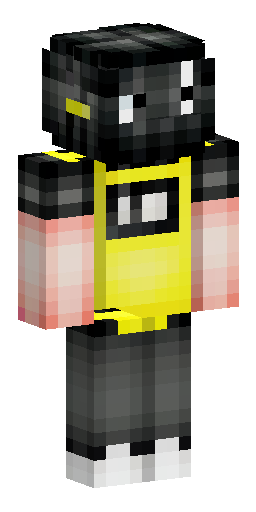

Чёрная кислота с мультяшный лицом и в кофте желтой
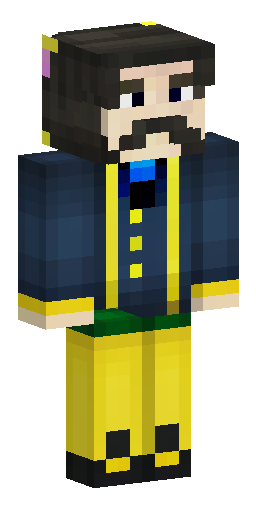

Российский государственный деятель времён Николая II, с темными кор…
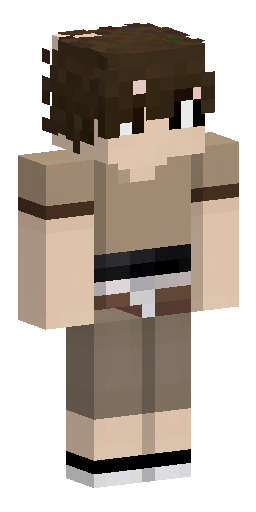

коричневые, кудрявые волосы. Лицо не прорисовано, видна только част…
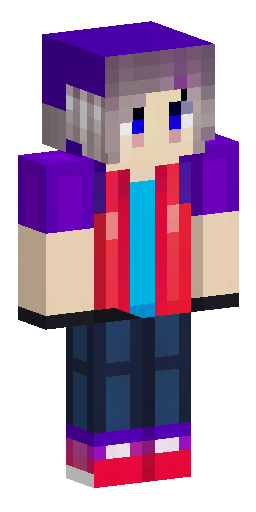

Скин для ютуба. Небольшие 3д части. Волосы не светлые и не тёмные,…
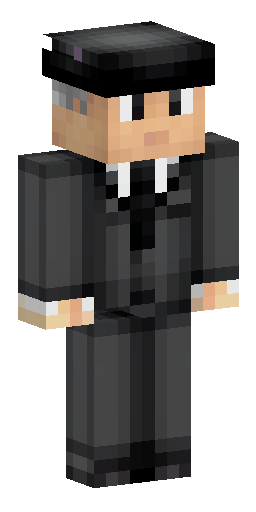

персонаж в классическом черном костюме и с бокой на голове
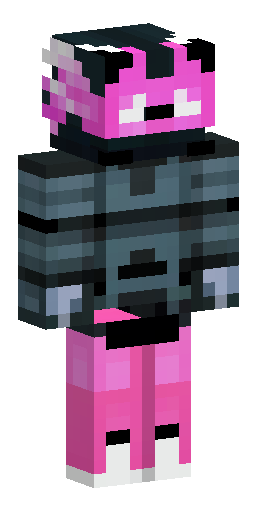

Format and View:. A flat Minecraft skin texture sheet, precisely 64…
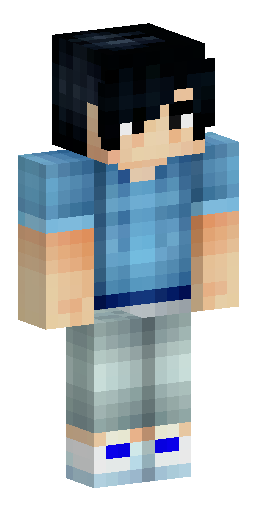

Мужской скин ,парень с чёрными волосами в бирюзовой худи с удочкой…
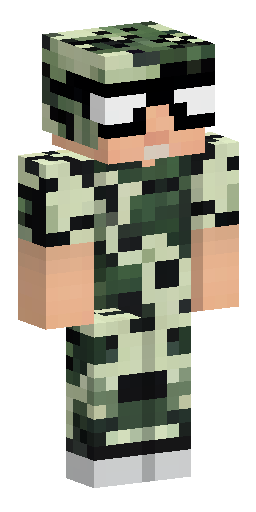

Должен быть брутальный мужик 20 лет, накаченный в болотном плаще и…
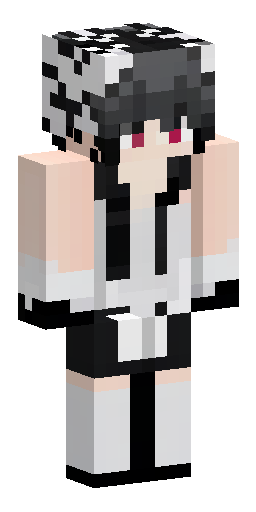

сделай скин кеза из доты 2 и сделай его в черно бело сером цветах
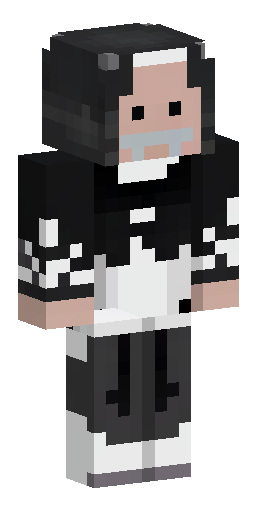

священник в чёрном подряснике и белой фелони
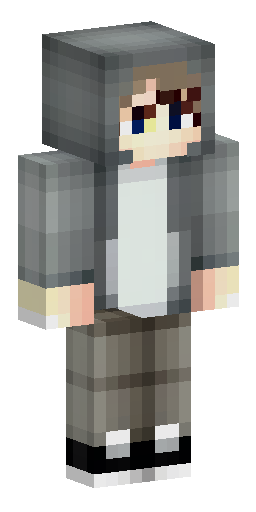

Мальчик с светлой кожей в серой худи с красивой причёской и челкой…

Человек в белой рубашке возраста 18 лет в черном галстуке, верхние…