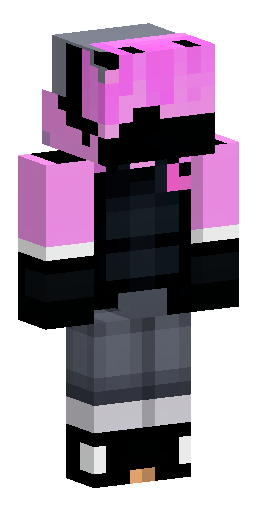


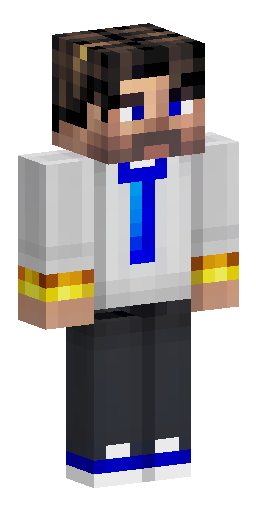
Аватарка и обои из этого скина
Голова персонажа — картинка для профиля в Discord, Telegram или на сервере. Он же встаёт на обои для компьютера и телефона. И то и другое бесплатно.
Скин Майнкрафт: Format and View:. A flat Minecraft skin…
Этот скин нарисован нейросетью по описанию «Format and View:. A flat Minecraft skin texture sheet, precisely 64x64 pixels. The front view is on the left half, the back view is on the right half. The background must be transparent (for immediate use as a PNG in Minecraft). Style: Strict Pixel Art, hard edges, no anti-aliasing. Must follow Minecraft skin conventions: head, body, arms, and legs must be in the correct pixel positions for a 64x64 character sheet. Head (Front & Back):. · Shape: Standard Minecraft square head. · Hairstyle: Spiky, rigid gamer hair sticking out. Colors: Black base with thick pixelated streaks of neon blue, metallic silver, and deep crimson red. The hair overlaps the head outline by 1-2 pixels. · Accessories: Pink cat ears (medium-sized, triangular) placed on top of the head, sitting over the hair. Large black gaming headphones worn over the cat ears. The ear cups are round and cover the sides, the headband is visible on the back of the head. · Face: A black ninja mask covering the mouth and nose. Eyes are classic Minecraft-style pixel eyes: white sclera with large, square black pupils. The expression is serious and stern. Body (Torso Front & Back):. · Build: Muscular physique. The blazer (second skin layer) should make the shoulders wider and slightly higher than the base body layer; the waist is narrow. · Clothing (Front): A black tactical business suit (blazer) with lapels. A dark grey turtleneck or hoodie neck is visible underneath. Uneven tactical straps crossing the chest, secured with silver square buckles. Textured, slightly jagged shoulder pads. Reinforced forearm guards. · Clothing (Back): The back of the blazer with natural fabric folds. The black headband of the headphones is visible running down from the head. The straps are partially visible from the back as well. · Hands: Hands clenched into tight fists. No individual fingers visible. Legs:. · Pants: Black tactical cargo pants. Small square pouches or pockets visible on the sides of the thighs. A tactical belt with small pouches. · Shoes: Clean, bulky white sneakers with a thick black or dark grey patterned sole. Black laces. Technical Rendering Requirements:. · Use dithering or simple pixel shading to create shadows that define muscle tone and clothing folds. · Crucial: The overlay layer (blazer, shoulder pads) must be visually distinct from the base layer (body) and appear wider than the base torso. · Final output: 64x64 PNG with a transparent background. Ready for immediate upload to Minecraft». Файл формата PNG подходит для Minecraft Java и Bedrock Edition — его нужно загрузить в лаунчер или на сайт Minecraft.
Надеть этот скин
- Скачайте файл кнопкой выше.
- Откройте профиль Minecraft и выберите «Скины» → «Загрузить скин».
- Укажите модель — Steve (рука 4 пикселя) — и сохраните.
- Перезапустите игру: скин увидят и другие игроки на сервере.
Скин на телефон
Наведите камеру телефона — откроется эта страница, и скин можно будет скачать прямо туда, где стоит игра.
Если скин не встал
Файл — развёртка Steve в формате PNG 64×64, её принимают и лицензия, и пиратские сборки. Чаще всего скин не появляется по двум причинам: лаунчер держит в памяти старую текстуру (помогает полный перезапуск игры, а не выход в меню) или файл пересохранён из JPG и остался JPG внутри.
Подробнее — в инструкциях: как поставить скин в Майнкрафт, скин в TLauncher, скин на телефоне.
Нужен скин конкретного игрока, а не готовый образ? Найдите его по нику.
Похожие скины
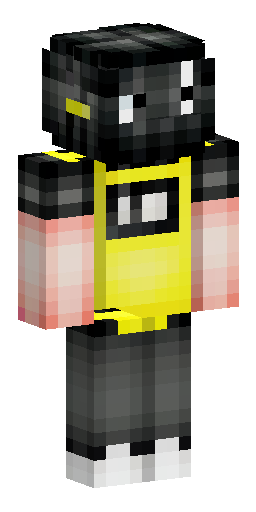

Чёрная кислота с мультяшный лицом и в кофте желтой
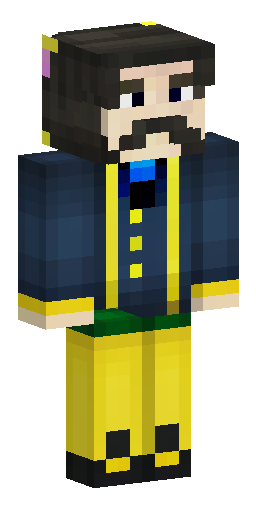

Российский государственный деятель времён Николая II, с темными кор…
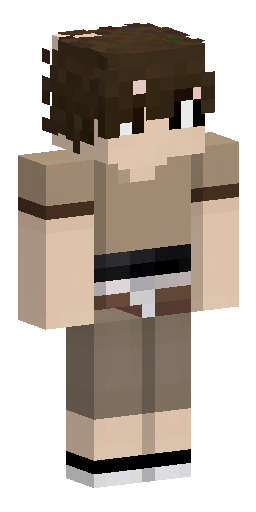

коричневые, кудрявые волосы. Лицо не прорисовано, видна только част…
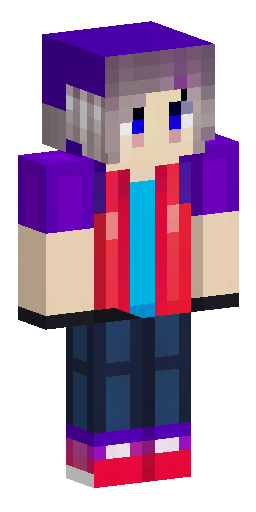

Скин для ютуба. Небольшие 3д части. Волосы не светлые и не тёмные,…
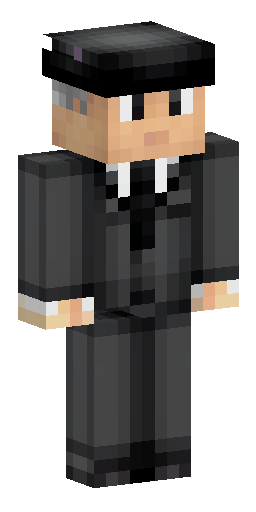

персонаж в классическом черном костюме и с бокой на голове
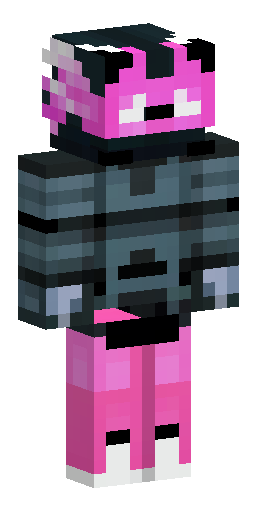

Format and View:. A flat Minecraft skin texture sheet, precisely 64…
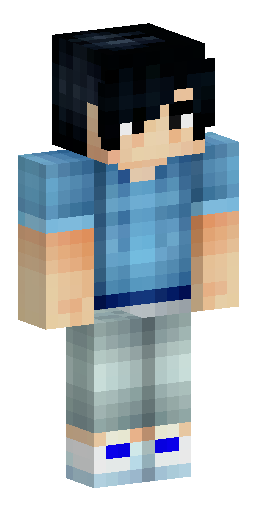

Мужской скин ,парень с чёрными волосами в бирюзовой худи с удочкой…
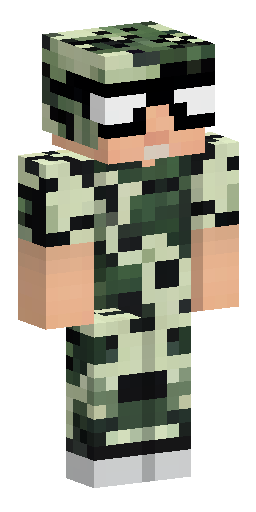

Должен быть брутальный мужик 20 лет, накаченный в болотном плаще и…
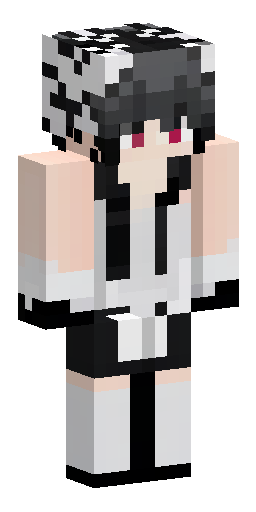

сделай скин кеза из доты 2 и сделай его в черно бело сером цветах
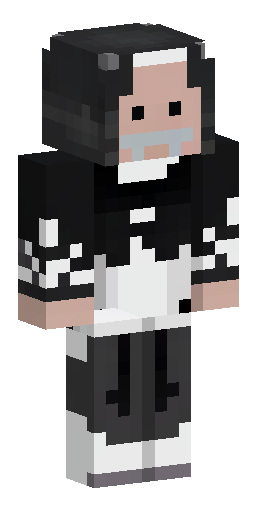

священник в чёрном подряснике и белой фелони
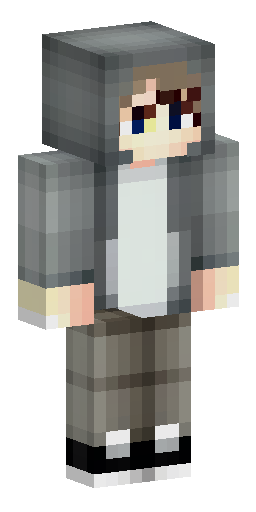

Мальчик с светлой кожей в серой худи с красивой причёской и челкой…

Человек в белой рубашке возраста 18 лет в черном галстуке, верхние…