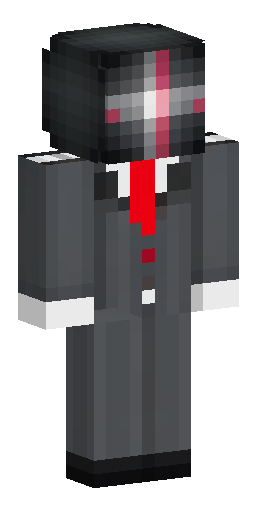


Аватарка и обои из этого скина
Голова персонажа — картинка для профиля в Discord, Telegram или на сервере. Он же встаёт на обои для компьютера и телефона. И то и другое бесплатно.
Скин Майнкрафт: Male Minecraft skin in a classic 64×64…
Этот скин нарисован нейросетью по описанию «Male Minecraft skin in a classic 64×64 format, with a modern anime-inspired appearance. The design is primarily focused on the clothing, using a dark gray, black, white, and deep red color palette. Clothing — highest priority: . The character wears a dark charcoal-gray formal jacket/coat with a structured, fitted appearance. The upper chest and shoulder area is predominantly white , forming a broad white panel across the front of the jacket. The white chest section extends upward toward the shoulders and resembles a high, structured collar or shoulder panel. The sleeves are primarily dark gray , with multiple subtle gray shades creating depth and layered fabric. Near the upper arms/shoulders there are distinctive horizontal red-and-white stripes . The red stripe is positioned between white sections and is one of the most recognizable details of the outfit. The cuffs of the sleeves are light gray/white , contrasting strongly with the dark sleeves. A thin dark-red necktie runs vertically down the center of the white chest panel. It is narrow and extends toward the waist. The jacket has several darker gray sections and panel-like shapes, giving it the appearance of a formal military, academy, or modern uniform rather than a simple shirt. At the waist, there is a small golden rectangular belt buckle visible directly beneath the jacket and tie. The back of the jacket is mostly dark charcoal gray , with a white upper-back/shoulder section. The back also contains several small red and white decorative markings/buttons , arranged vertically and diagonally around the center-right area. The jacket has subtle black and dark-gray shading throughout, creating the appearance of layered fabric and seams. Pants: . The character wears very dark navy-black/charcoal trousers. The pants are almost entirely dark, with several slightly lighter gray-black sections used to define the legs and folds. There are no large patterns or bright decorations on the trousers. The trousers have a clean, straight, formal appearance matching the jacket. Shoes: . The shoes are predominantly medium-to-dark gray. The soles and toe sections are noticeably light gray/white. The shoes have several layered gray sections rather than being a single flat color. The footwear resembles clean, structured uniform shoes or boots. Head and hair: . The character has bright dark-red/crimson hair with multiple layered, blocky strands. The hair is voluminous and covers parts of the forehead and sides of the face. Several darker red sections create depth within the hair. The face is very pale. The eyes are partially obscured by the hair, giving the character a sharp, reserved appearance. Overall design priority: accurately reproduce the jacket structure, white shoulder/chest panels, dark-gray sleeves, red-and-white shoulder stripes, narrow red tie, golden belt buckle, dark trousers, and gray-white shoes . Clothing details should take priority over facial features and hair when reconstructing the Minecraft skin.». Файл формата PNG подходит для Minecraft Java и Bedrock Edition — его нужно загрузить в лаунчер или на сайт Minecraft.
Надеть этот скин
- Скачайте файл кнопкой выше.
- Откройте профиль Minecraft и выберите «Скины» → «Загрузить скин».
- Укажите модель — Steve (рука 4 пикселя) — и сохраните.
- Перезапустите игру: скин увидят и другие игроки на сервере.
Скин на телефон
Наведите камеру телефона — откроется эта страница, и скин можно будет скачать прямо туда, где стоит игра.
Если скин не встал
Файл — развёртка Steve в формате PNG 64×64, её принимают и лицензия, и пиратские сборки. Чаще всего скин не появляется по двум причинам: лаунчер держит в памяти старую текстуру (помогает полный перезапуск игры, а не выход в меню) или файл пересохранён из JPG и остался JPG внутри.
Подробнее — в инструкциях: как поставить скин в Майнкрафт, скин в TLauncher, скин на телефоне.
Нужен скин конкретного игрока, а не готовый образ? Найдите его по нику.
Похожие скины

Детектив мужчина в розовом пальто и белой рубашке с белыми джинсами…

Мужской скин ,парень с чёрными волосами в бирюзовой худи с удочкой…

хоумлендер из пацанов только девочка
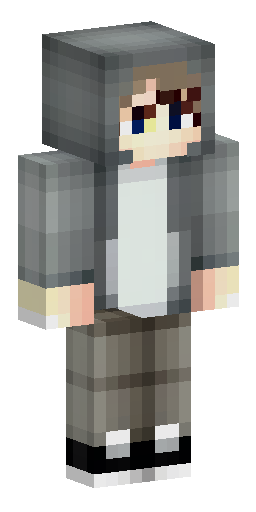

Мальчик с светлой кожей в серой худи с красивой причёской и челкой…
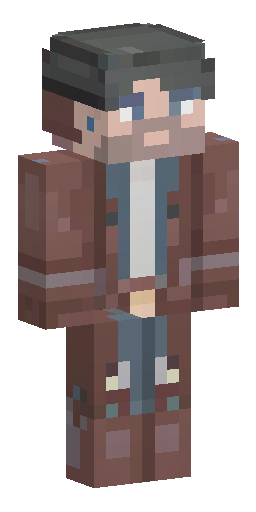

Minecraft skin concept art, male mage engineer. Steampunk meets mag…
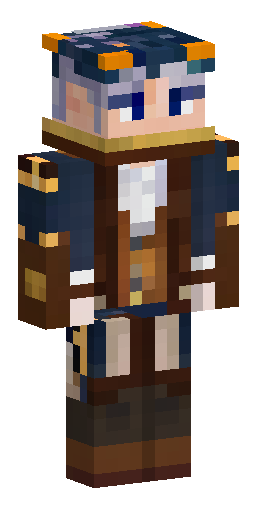

Minecraft skin concept art, male mage engineer. Steampunk meets mag…
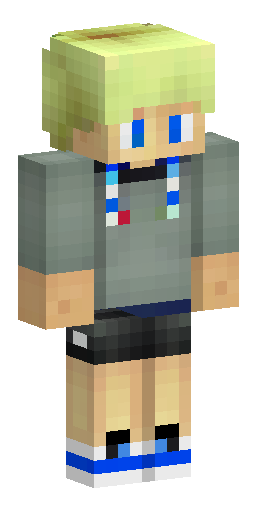

Русский блондин в адидасе мальчик
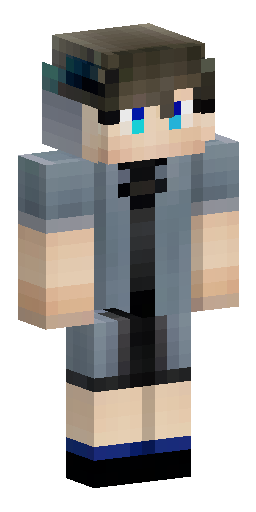

Парень
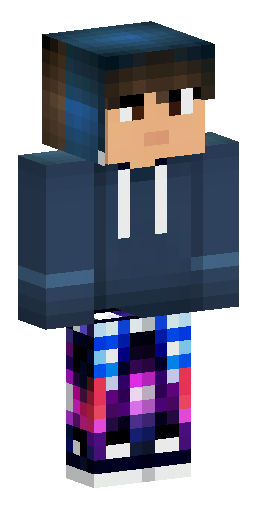

Minecraft skin character, front and back view, male, aesthetic nigh…
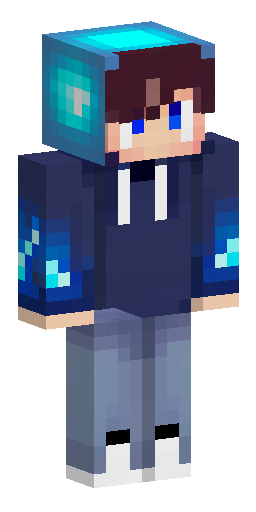

Minecraft skin, boy in a dark blue galaxy hoodie with a hood up, gl…
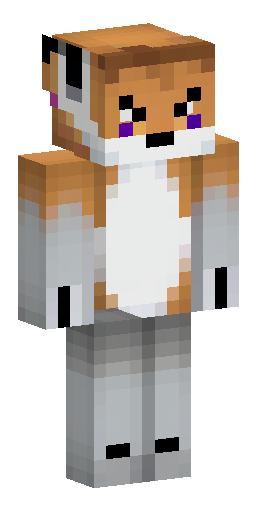

male, solo, furry, fox, young, purple fur, fluffy fur, white tip of…
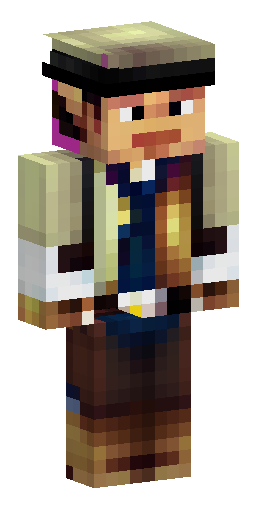

Ковбой мужчина